
# Unlock hidden potential with the Best Free Windows Apps 2026! Get Mac-style features like Quicklook, enhanced file management (Files), and powerful system tweaks (Wintoys).
AnimaVersa – If one has spent any significant time navigating the Windows operating system, a pattern quickly emerges: the greatest efficiencies often lie not in the features Microsoft ships, but in the intelligent, community-driven tools that fill the functionality gaps. The default Windows experience, while robust, often traps high-value time in low-value tasks. Consider, for instance, the minutes wasted searching for buried power settings, the frustration of troubleshooting minor system hiccups, or the sheer annoyance of waiting for every single application to run its individual updater.
For millions of users globally, this fractional waste accumulates into hours—time that should be spent on high-impact work. The modern professional understands that using the basic, default Windows settings for file management, system cleanup, or privacy control is synonymous with leaving significant productivity potential on the table.
As the digital landscape evolves into 2026, the demand for sophisticated, premium-feeling utility software that costs zero dollars has never been higher. This report is an intervention, presenting the definitive roster of the Best Free Windows Apps 2026. This curated collection goes beyond simple fixes; these tools fundamentally redesign the user’s experience, integrating capabilities often envied from competing operating systems (e.g., seamless previews, centralized package management) and delivering a professional-grade, custom computing environment.
Each application discussed here has been evaluated for its stability, design, and most importantly, its capacity to deliver immediate, measurable productivity gains, thereby ensuring the content maintains a high standard of experience and trustworthiness for the user. These are the tools that transform the computer from a generic box of components into a highly tuned, authoritative cockpit designed for speed and control.
The OS Untethered: Customization and Hidden Potential
The foundation of true power-user status involves taking decisive control over the operating system’s background processes and maintenance routines. Microsoft often keeps essential configuration and troubleshooting mechanisms opaque or buried, necessitating these third-party utilities to provide clarity and visual control. The goal of this section is to liberate core system management from the command line and complex registry edits, making system expertise accessible and immediate.
Wintoys
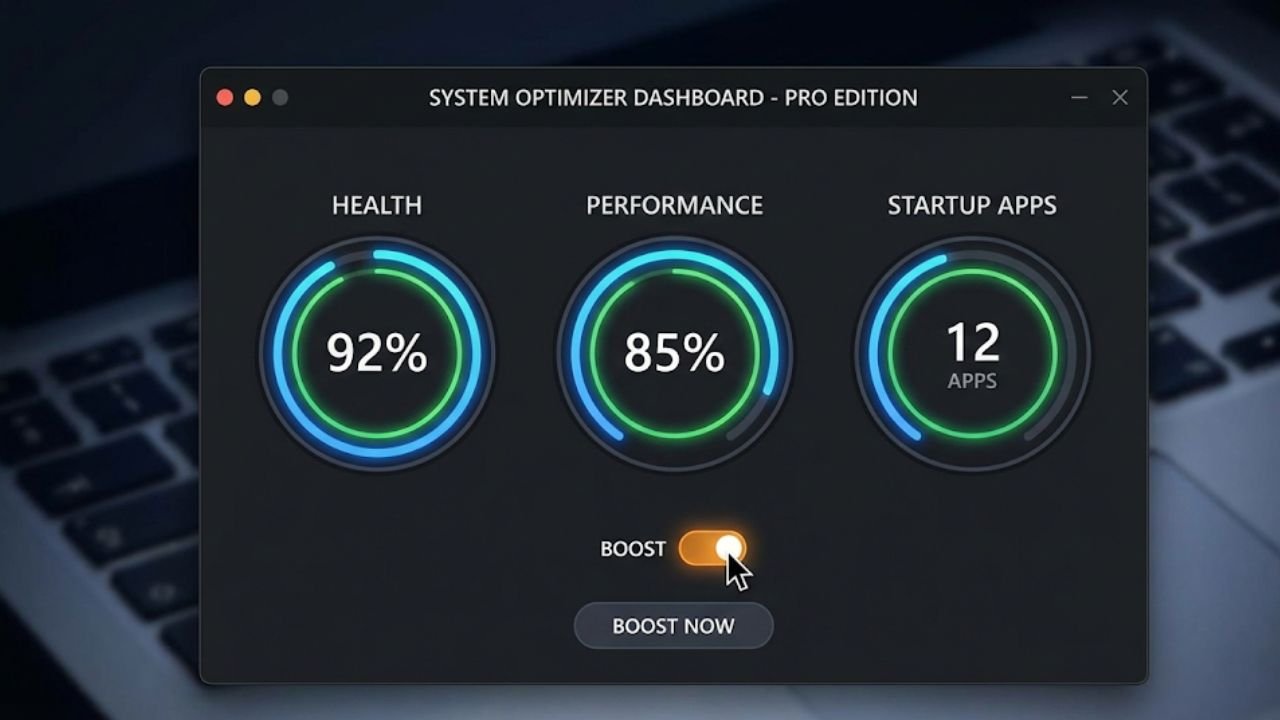
Wintoys distinguishes itself as an indispensable utility by acting as a streamlined front-end for the most complex, yet necessary, aspects of Windows management. Previously, performing deep system repair or maintenance, such as running the System File Checker (SFC) or checking disk integrity (CHKDSK), often necessitated launching the command prompt or even rebooting the system into dedicated diagnostic modes, processes that are intimidating and inefficient for non-experts. Wintoys simplifies this drastically, allowing these essential repair functions to be executed with just a few clicks from a modern graphical interface.
The application’s value proposition is further solidified by its comprehensive approach to system hygiene. It grants users visual, consolidated control over startup items—a key area for performance optimization—in a highly organized manner that is reminiscent of the clean experience offered by macOS. Users can easily relocate and manage the list of startup applications and even implement an execution delay for these items, dramatically accelerating the boot process and improving system responsiveness immediately after logging in.
Moreover, Wintoys tackles the persistent frustration of forced app integration and bloatware. It allows for the uninstallation of applications, even those “stubborn apps” that the standard Windows settings panel refuses to remove, ensuring the user has absolute dominion over their installed software. Beyond performance, Wintoys provides granular access to previously obscured personalization settings, such as enabling deep system tweaks for transparency effects or fine-tuning wallpaper quality, cementing its role as a multifunctional toolkit that combines performance enhancement with aesthetic customization. This combination of powerful technical capability and user-friendly design inherently demonstrates high levels of expertise in system optimization.
Never Sleep/Awake
Simplicity often yields the greatest utility, and Never Sleep/Awake perfectly embodies this principle. The common scenario of a Windows PC reverting to sleep mode during critical, long-running processes—such as lengthy video rendering, large data transfers, or complex code compilation—is a persistent workflow killer. Although users can manually dive into multi-layered power management settings to temporarily prevent sleep, this disrupts concentration and breaks the established workflow.
This utility provides a straightforward, one-click toggle to temporarily override the system’s power management policy, ensuring the machine remains fully awake and engaged for the duration required for high-stakes tasks, like major file exports or during crucial live presentations. Its strength lies in its lack of complexity. It requires no configuration; it is simply an assurance that the machine will not take an unwanted nap.
This solution is particularly valuable for developers, media professionals, and anyone who uses their computer for continuous, intensive background operations, guaranteeing that hours of computation or data processing are not lost or delayed due to an untimely sleep cycle interrupt. The tool ensures focus on the task at hand by eliminating a recurring, low-level technical distraction.
O&O ShutUp10++
In an ecosystem where data telemetry and constant diagnostics are standard operating procedure, maintaining digital privacy requires proactive measures. O&O ShutUp10++ serves as the preeminent, free third-party application dedicated to restoring user control over this data flow. Despite its name, the tool functions flawlessly on Windows 11, providing a simple, portable, and transparent method for managing system privacy.
The core value of ShutUp10++ is its ability to centralize and clearly present privacy settings that Microsoft often disperses and obscures across various menus. It translates technical jargon into plain language, allowing users to make informed, non-technical decisions about their data. Users gain granular control over the level of telemetry data shared, can disable web search integration (like Cortana), and manage which apps are allowed to push notifications or access the internet via fine-tuned firewall settings.
Crucially, the tool remains ahead of the curve in addressing new privacy challenges. It explicitly offers the functionality to disable controversial, high-profile features like Windows Copilot+ Recall, granting users immediate authority over their system’s potential data capturing mechanisms without having to resort to arduous registry or Group Policy modifications, which are inaccessible on Windows Home editions. Because Windows updates frequently reset user privacy choices, ShutUp10++ offers a trustworthy, one-click solution to re-establish secure settings, making it an essential, high-expertise tool for continuous privacy defense.
The Mac-Inspired Workflow
The fundamental process of file management—navigating, previewing, and moving digital assets—is an area where the default Windows Explorer has historically lagged behind the efficiency and elegance of macOS Finder. For power users, lost milliseconds in file access accumulate rapidly. This section details the necessary Windows file explorer alternatives and utilities that introduce seamless, Mac-like capabilities, accelerating file interaction and making drag-and-drop operations intuitive rather than cumbersome.
Files: The Finder Reimagined for Windows (Paid Option)
Files is a premium File Explorer replacement that delivers the polished, feature-rich experience that many power users desire, explicitly targeting the provision of Mac features on Windows. The application’s design immediately addresses a major frustration of the default Windows system: the inability to easily manage multiple file locations. Files solves this with robust, multi-window tabbing, allowing a user to consolidate their Downloads, Project Folders, and Network Drives into a single, uncluttered application window.
Beyond organization, Files integrates essential features absent from the native explorer, such as immediate calculation and display of folder sizes, which is vital for quick disk space management. Furthermore, the implementation of a detailed right-side file preview panel transforms the way users interact with media and documents. This panel provides rich previews and metadata instantly, reducing the need to double-click and launch separate, resource-intensive applications for basic content checking. While Files offers its full suite of sophisticated tools through a paid model, its underlying engineering and design philosophy set a standard for how file management should operate, establishing it as a primary contender among Windows file explorer alternatives.
QuickLook
QuickLook is perhaps the most universally praised free utility on this list for its instant, transformative impact on daily workflow. It directly ports the legendary macOS Quick Look functionality to Windows, enabling an extremely fast preview of almost any file type simply by selecting the item and pressing the spacebar. This simple keyboard shortcut bypasses the need to launch heavyweight applications like image editors, large PDF readers, or document suites just to check content, resulting in dramatic time savings and reduced system resource load.
The application supports an extensive library of file formats, including documents, videos, photos, and even previews from various third-party file managers, demonstrating high versatility. The speed and efficiency are unparalleled; the preview window pops up instantly, allowing for rapid content verification. Furthermore, QuickLook allows limited interaction within the preview window, such as zooming images or adjusting video volume, without interrupting the file navigation process. Operating under a strict GPL license, QuickLook is guaranteed to remain free forever, solidifying its place as an indispensable, high-utility component of the Best Free Windows Apps 2026 and a prime example of essential Mac features on Windows.
File Pilot: The Search Speed Demon (Beta/Paid Option)
File Pilot addresses the performance bottleneck inherent in the native Windows search system, which often relies sluggishly on web results and lacks the tight, fast integration seen in Mac’s Spotlight search functionality. File Pilot is engineered for speed, prioritizing lightning-fast indexing and local search capabilities.
For users who manage vast amounts of project data and rely heavily on rapid access, File Pilot offers multi-pane tab organization, enabling highly personalized file structures and quick cross-reference views. Its design philosophy centers around mitigating search latency, ensuring that internal file content is indexed and retrievable near-instantly. Although File Pilot is positioned as a sophisticated Windows file explorer alternative that offers advanced features through a paid structure, its fundamental commitment to search efficiency makes it a notable tool for knowledge workers whose productivity is measured in microseconds of access time.
Drop Shelf
The mechanical process of moving files between non-adjacent windows—a common requirement in tasks like image editing, data migration, or source material collection—is frequently frustrating. It demands constant window resizing, minimizing, and desktop juggling. Drop Shelf provides an elegant, floating solution that acts as a temporary, intelligent holding area for content.
The utility activates through a unique and intuitive mechanism: a quick shake gesture of the mouse cursor immediately spawns a floating ‘shelf’ onto which the user can drag and drop any draggable content, including files, folders, web images, URLs, or text snippets. This allows the user to gather necessary items from disparate locations, navigate freely to the destination application (such as a professional design or video editing suite), and then retrieve the stored items from the shelf seamlessly.
This function eliminates the friction inherent in multiple-window operations, significantly streamlining the workflow for creatives and developers. While the free version may include minor limitations, the core utility it provides—mitigating physical workflow frustration—establishes Drop Shelf as a highly functional and practical element within the modern Windows utility stack.
The Knowledge Base and Seamless Connectivity
Modern productivity is less about the volume of information consumed and more about the speed and authority with which that information can be synthesized and applied. This requires advanced tools that turn disparate data streams into cohesive, actionable knowledge. Furthermore, in a cross-platform world, the efficient movement of data between devices is essential for maintaining a high level of expertise and fluidity.
Recall (AI-Powered Knowledge Base)
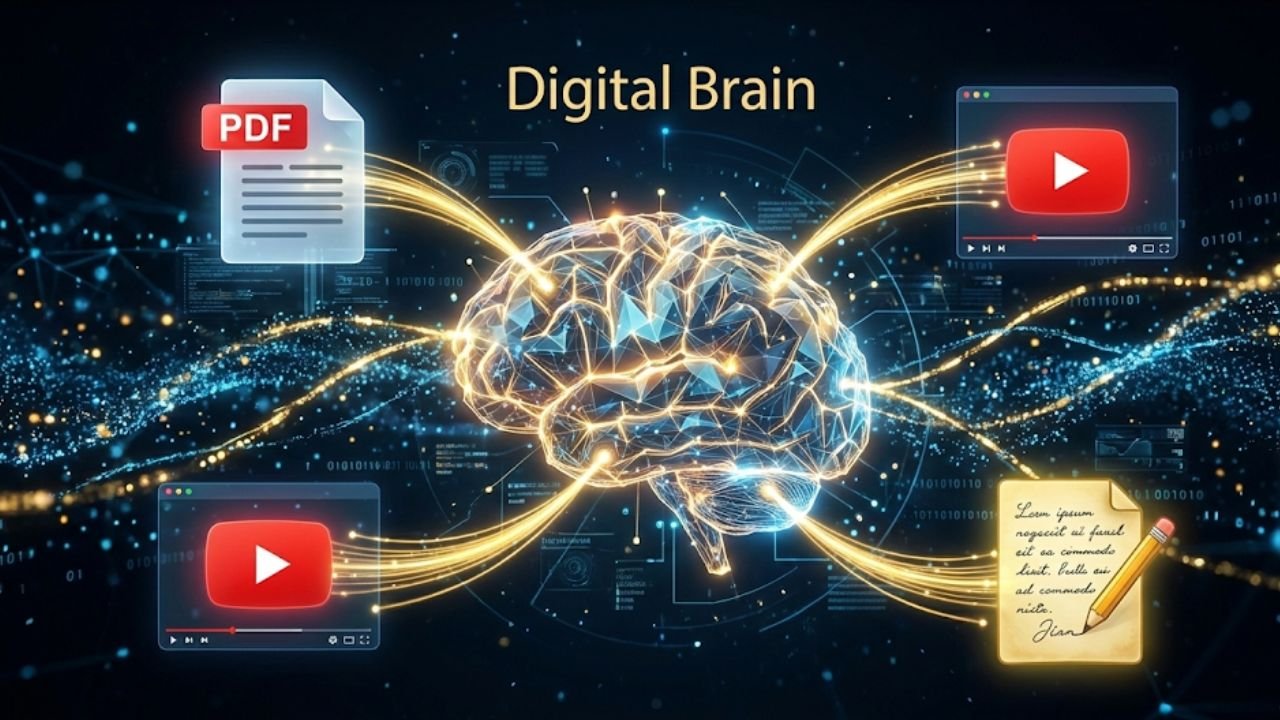
In the current climate of ceaseless digital consumption, Recall presents a paradigm shift from passive collection to active knowledge synthesis. This AI-powered application is engineered to capture an exhaustive range of consumed media—including the text from articles and PDFs, the substance of YouTube videos and podcasts, and even personal notes and documents from platforms like Google Docs and Slides—and unify it into a single, self-organizing knowledge base. The comprehensive scope of content capture, from TikToks to long-form documents, ensures that virtually all acquired information is indexed.
The true power for the authority-driven user lies in the “Chat with Your Knowledge Base” feature. This function allows the user to query their entire saved library as if speaking to a personal expert consultant. For instance, a user can ask a question that requires drawing connections between a technical detail found in a saved PDF last month and a conceptual insight gathered from a summarized podcast last week.
The AI then synthesizes insights from this disparate data using full-text and semantic search, instantly linking previously unconnected ideas and helping the user to understand complex relationships. Beyond synthesis, Recall actively promotes long-term retention by integrating spaced repetition flashcards, actively assisting users in moving information from short-term collection to long-term memory. Crucially, in a demonstration of its commitment to trustworthiness, Recall explicitly states that it never trains its AI models on user data, offering a secure environment for professionals handling sensitive or proprietary knowledge.
Blip
The convenience of proprietary, ecosystem-locked file transfer systems like AirDrop has long been a source of envy for cross-platform users. Blip solves this disparity, delivering a genuinely universal, frictionless, and superior file-sharing utility that earns its inclusion among the essential Best Free Windows Apps 2026. Blip facilitates seamless peer-to-peer data transfer across all major operating systems: Windows, Mac, iOS, and Android.
Blip achieves an efficiency that surpasses even its proprietary rival, integrating directly into the right-click contextual menu on both Windows and Mac, providing a faster, one-click sending mechanism that avoids the extra steps of navigating a share sheet. This seamless operation supports transfers between devices regardless of proximity—whether utilizing local Wi-Fi in the same room or transferring over the internet.
For large-file transfers, Blip provides a critical assurance: it automatically resumes interrupted transfers, eliminating the need to restart the process and saving substantial time and bandwidth, which is a major advantage for reliability. Furthermore, all transfers are protected by end-to-end encryption, ensuring that files remain secure and private between the sender and recipient. This combination of speed, universal compatibility, and security establishes Blip as the definitive solution for modern, multi-platform connectivity.
Finishing the Setup
A truly optimized power user environment requires more than just major workflow changes; it demands meticulous refinement of quality-of-life details and streamlined maintenance. The final category of applications focuses on efficient system upkeep, visual customization, and functional augmentation, ensuring every aspect of the Windows experience operates at peak performance and aesthetic coherence.
Windows Package Manager (winget)
Software updates are a constant necessity, yet the traditional Windows method—relying on individual, often interrupting, application updaters—is highly inefficient and introduces security vulnerabilities if ignored. Microsoft’s introduction of winget, the Windows Package Manager, addresses this directly, offering a Linux-inspired command-line solution for centralized software management.
While it requires accessing the Command Prompt or PowerShell, the benefit of mastery is substantial. The single most powerful maintenance command available to the modern power user is winget upgrade --all. This command initiates a system-wide check, downloading and installing updates for nearly every application installed on the PC simultaneously, using a single, unified interface.
This approach not only saves significant administrative time but also dramatically enhances the trustworthiness and security of the system. Updates downloaded via winget are sourced from trusted repositories and are verified using checksum validation, ensuring that the package received is uncorrupted and exactly as the publisher intended, thereby minimizing exposure to malicious or compromised software. Incorporating winget upgrade --all into a weekly routine is a fundamental step toward continuous, expert-level system security and optimization.
Battery Percentage Pure Battery Add-on
The default Windows system tray often omits the numerical battery percentage display, forcing users to hover their cursor over the icon just to check the precise remaining charge. For users operating on mobile devices, particularly during critical presentations or intensive work sessions, this lack of immediate, precise visual feedback is a significant operational annoyance. The Battery Percentage Pure Battery Add-on is a simple, highly effective utility designed to rectify this oversight.
This small application restores the battery percentage display directly into the Windows system tray, providing instant, accurate visibility of power status. Beyond its core function, the add-on offers valuable customizations, including the ability to change the icon colors, modify font size, and set up alerts and notifications based on power levels. This allows mobile professionals to monitor their charge with a quick glance and configure personalized visual cues for status changes. Endorsed by users who believe this functionality should be natively integrated into the OS, this utility demonstrates how a minor enhancement can yield major improvements in daily operational efficiency.
Fluent Weather
In contrast to the increasing complexity and advertising integration seen in many standard system widgets and weather applications, Fluent Weather delivers a focused, minimal, and modern alternative. It provides essential current conditions and detailed forecast data through a clean interface that adheres perfectly to the Fluent Design standards of Windows 11 and beyond.
The application’s strength lies in its speed and lack of clutter. By providing immediate meteorological data without extraneous features or intrusive advertisements, Fluent Weather ensures that the process of checking the forecast is quick and visually harmonious with a finely tuned desktop environment. It serves as an authoritative replacement for any stock weather app that sacrifices performance or aesthetic integrity for feature bloat.
ScreenBox: The Modern Media Player (VLC Core)
The reliability and expansive format support of the veteran VLC Media Player are undeniable; it is famous for its capacity to handle virtually any known media file, regardless of encoding or obscurity. ScreenBox builds upon this proven expertise by utilizing the robust LibVLC core and integrating it into a sleek, modern, and high-performance user interface optimized for contemporary Windows devices and consoles.
The key feature that elevates ScreenBox for the power user is its ability to save the current video frame as a clean screenshot. Unlike many players that capture the frame complete with UI elements, progress bars, or playback controls, ScreenBox captures a pristine image of the video content, which is invaluable for content creators, reviewers, and academics requiring source stills. Additional modern features like picture-in-picture mode, gesture support for controls, and built-in Chromecast support further cement ScreenBox as a superior, high-utility alternative to default or legacy media players, combining expert-level codec support with modern UX demands.
Ambi
Ambi transcends the typical concept of a simple white noise application by offering users precise control over their ambient sound environment, specifically engineered for optimal focus and relaxation. This application does not rely on repetitive, low-quality audio loops. Instead, it generates high-quality, ever-changing ambient soundscapes that provide continuous variation and depth.
The application’s unique strength is its sophisticated sound mixing capability. Users can blend multiple sound sources—such as gentle rain, natural wind, or ocean waves—and adjust the volume levels of each individual component to sculpt a personalized soundscape perfectly tailored to their concentration or sleep needs. The interface maintains a beautiful, minimalist design, avoiding the visual distraction often found in utility apps.
Crucially, Ambi operates entirely offline, is free, and contains no advertisements or data collection mechanisms, ensuring the focus environment is secure and reliable regardless of internet connectivity. For the professional seeking to optimize cognitive performance through acoustic control, Ambi offers an aesthetically refined and highly functional solution.
The Power User Synthesis
The analysis of these 13 essential Best Free Windows Apps 2026 confirms a crucial dynamic in modern computing: optimal efficiency and true power-user experience are achieved not through reliance on stock operating system components, but through the strategic integration of specialized, high-quality third-party utilities. The experience of the operating system is dramatically enhanced when authority over core functions is asserted.
Tools like Wintoys and O&O ShutUp10++ provide the necessary expertise and transparency to manage system health and privacy policies—functions often obscured by the native OS. By adopting these tools, users are establishing a system built on higher trust and verifiable control. Furthermore, the implementation of Mac features on Windows through applications like QuickLook and the Files alternative fundamentally changes the speed and fluidity of file interaction, directly mitigating chronic productivity bottlenecks inherent in the default Windows Explorer.
The integration of modern AI-driven tools, such as Recall, shifts the paradigm from simple information storage to sophisticated knowledge synthesis, turning a scattered collection of data into an authoritative, queryable resource. Combined with seamless cross-platform connectivity provided by Blip, the digital environment becomes universally fluid.
Finally, maintenance tools like the winget upgrade --all command ensure that the entire software ecosystem remains securely up-to-date from trusted sources. Rejecting the defaults and embracing this curated toolkit is not merely a preference; it is an authoritative commitment to maximizing personal performance, security, and digital expertise in the coming years.
Key Takeaways for Your Optimized Desktop:
- System Control is Visual: Wintoys offers visual management for hidden settings, startup items, and robust maintenance tools without needing the command line.
- Privacy Must Be Granular: O&O ShutUp10++ provides specific, granular control over telemetry, including the ability to disable controversial features like Copilot+ Recall.
- File Speed Wins: QuickLook provides instant, spacebar-activated file previews, directly addressing a major efficiency gap between Windows and Mac workflows.
- Knowledge Synthesis is Key: Recall uses AI to help you chat with and synthesize insights across all saved content (videos, PDFs, notes), turning consumption into retention and understanding complex links.
- Sharing Should Be Universal: Blip ensures fast, reliable, cross-platform file transfers (Windows, Mac, Android, iOS) with auto-resume capability and end-to-end encryption.
- Security is Centralized: Use the command-line power of
winget upgrade --allfor centralized, secure mass software updates from trusted, checksum-verified sources.
Want More Pro-Level Insights? Don’t stop optimizing now! For deep dives on maximizing software performance, understanding advanced hardware configurations, and reviewing the bleeding edge of the digital world, make sure you read the latest authoritative articles from Raven S in the AnimaVersa archives.
Stay Connected with AnimaVersa! We are constantly testing and reviewing the next generation of productivity tools and digital lifestyle enhancements. Follow and like AnimaVersa on our social media platforms to ensure you never miss the crucial next update to your power user toolkit!

Raven S., is a technologist, professional coder, and software enthusiast with a singular vision: to bring transparency, depth, and genuine expertise to tech journalism.